What is 10KB Image? How to Compress Photo to 10KB or Less
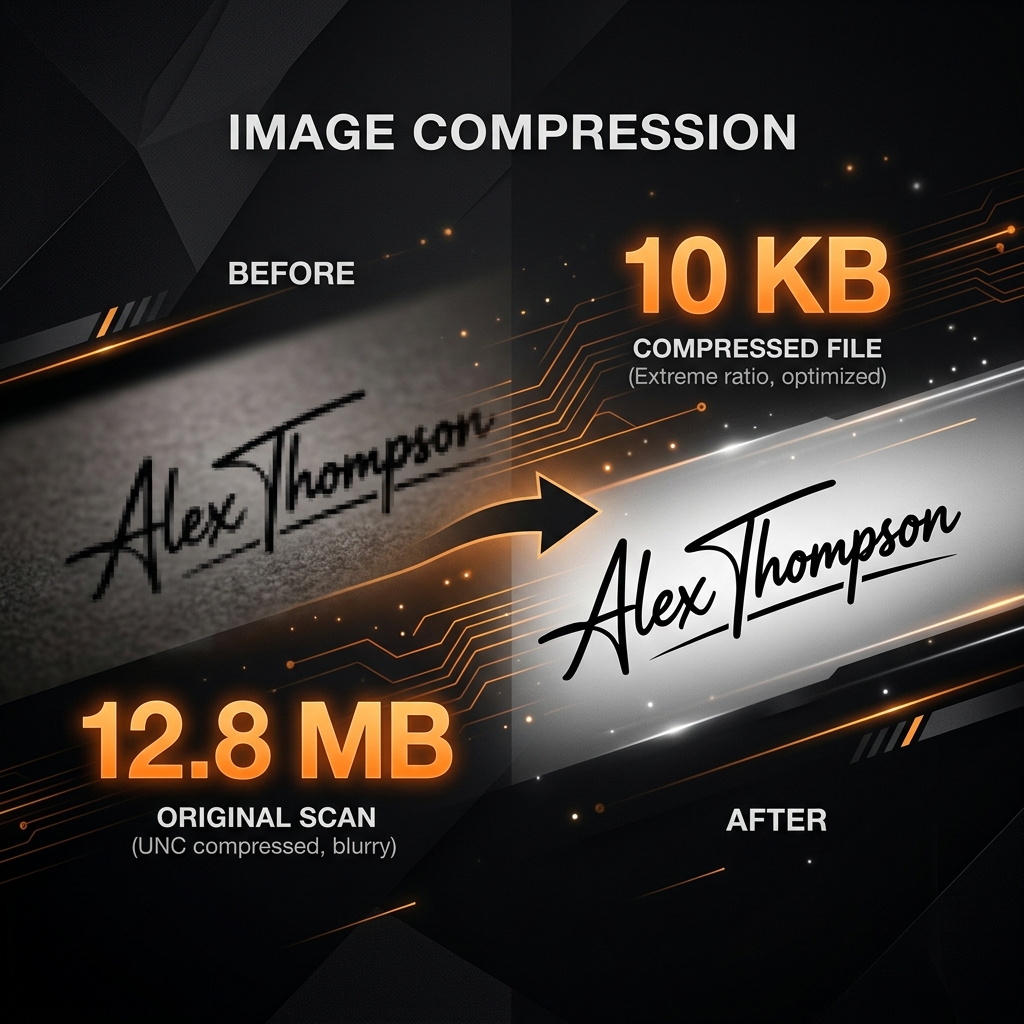
When a portal asks for an image under 10KB, they are usually talking about your Signature or Left-Hand Thumb Impression. While 10KB sounds tiny, it's the standard for millions of Indian government applications.
The Quality Tradeoff
At 10KB, the "compression artifacts" become visible. This means you'll see small blocks or blurriness around sharp edges. To counter this for signatures:
- Scan at 200 DPI: Higher DPI with low quality is better than low DPI with high quality.
- Grayscale is Better: If the portal allows, grayscale images have smaller file sizes than color images of the same quality.
How to hit exactly 10KB
Using Utilifyx, you don't have to guess. Our dedicated compressor for small files handles the math for you.
- Upload your scan: Works best for black and white signatures.
- Target 10KB: Set the KB slider to exactly 10.
- Format: Select JPG (it compresses better than PNG for photos).
Try it now: Compress Image
Interactive ToolWhy use our 10KB Compressor?
Most general resizers will stop at 20KB or fail effectively below that. Our specialized algorithm for small KB targets ensures that text remains sharp even at extreme compression levels.
Need more help with SSC requirements? Read our SSC 2026 Guide.
Frequently Asked Questions
Is 10KB too small for a clear signature?
It is small, but if you use a black pen on a white background and high contrast, a 10KB JPG is perfectly legible for portal verification.
Can I convert a photo to 10KB?
You can, but a full passport photo at 10KB will look very pixelated. It is best reserved for signatures and thumb impressions.
You Might Also Find Useful
Try It Now — No Signup
Perfect for SSC and bank exam signature upload requirements.
Compress Signature to 10KB