How to Compress Photo to 20KB for SSC, UPSC & SBI Portals (2026)
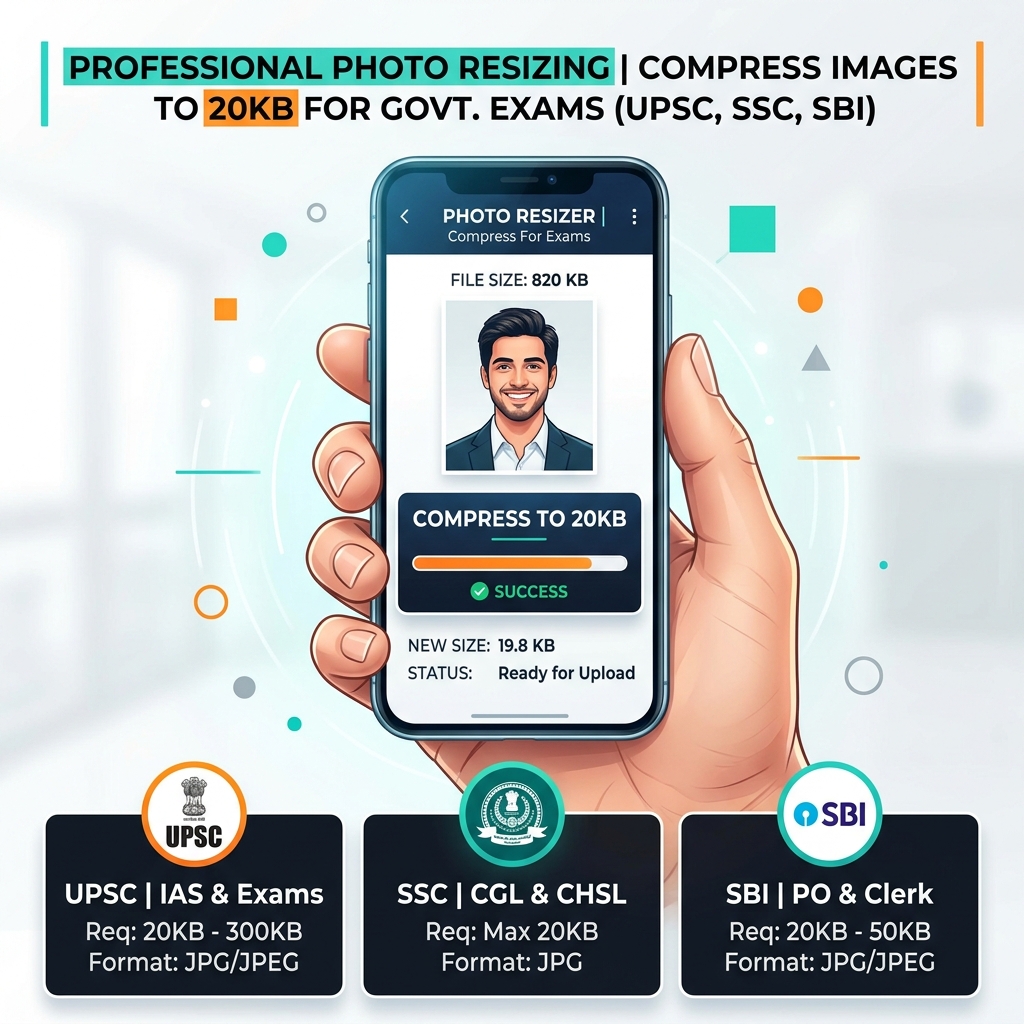
Applying for government jobs in India (SSC, UPSC, RRB, etc.) is a high-stakes process. One of the most frustrating hurdles is the strict digital document requirement. If your photo is 21KB and the limit is 20KB, the portal simply won't let you proceed.
Why Govt Portals Have Strict KB Limits
Government servers handle millions of applications simultaneously. To save storage costs and ensure smooth page loads for users with slow internet in rural areas, portals like SSC and UPSC enforce small file sizes (typically <20KB or <50KB).
The challenge? Standard smartphone photos are now 3MB to 8MB. Resizing them down to 20KB without making them look like a blurry mess is an art.
Document Requirements Table (2026)
Before you start, check your target portal's rules:
| Portal | Document Type | Max File Size | Dimensions (Standard) | | :--- | :--- | :--- | :--- | | SSC CGL/CHSL | Photo | 20KB - 50KB | 3.5 cm x 4.5 cm | | SSC CGL/CHSL | Signature | 10KB - 20KB | 4.0 cm x 2.0 cm | | UPSC (IAS/IPS) | Photo | 20KB - 300KB | 350 x 350 px (min) | | SBI PO/Clerk | Photo | 20KB - 50KB | 200 x 230 px | | SBI PO/Clerk | Signature | 10KB - 20KB | 140 x 60 px | | RRB NTPC | Photo | 20KB - 50KB | 3.5 cm x 4.5 cm | | IBPS Bank | Photo | 20KB - 50KB | 200 x 230 px |
Step-by-Step: How to Compress on Utilifyx
We've built Utilifyx specifically to solve the "20KB problem." Here’s the fastest way to get it done:
- Upload your Photo: Drag and drop your high-res original photo into the box below.
- Select 'By File Size': Switch the mode to "By File Size (KB)".
- Set Target to 20KB: Enter
20in the target field. Our algorithm will aim for 19.5KB to ensure you're safely under the limit. - Choose JPG: Always use JPG for portal uploads as it has the best compatibility.
- Download: Click Resize and save your ready-to-upload file.
Try it now: Resize Image
Interactive Tool5 Pro-Tips to Avoid Rejection
- The White Background Rule: Background color is one of the most common causes of photo rejections. Stick to a plain white or light-grey background. Most photo studios follow this as default.
- Signature Ink: Always sign with a Black Ink Pen. Blue ink signatures often fade out during compression, causing the portal to flag them as unreadable.
- Brightness is Key: When taking a photo of your signature with a phone, ensure there are no shadows. Shadows create "grey blobs" that increase file size and reduce clarity.
- Aspect Ratio: Don't just stretch the photo. If the portal asks for 200x230px, use a tool that maintains the aspect ratio so your face doesn't look squashed.
- Final Check: After downloading from Utilifyx, right-click the file and select "Properties" (or "Get Info") to confirm the size is below your target limit.
For more specific portal rules, check out our guides on SSC CGL requirements and UPSC photo guidelines.
Frequently Asked Questions
What is the best format for SSC CGL photo upload?
The best and standard format is JPG/JPEG. Ensure the file size is between 20KB and 50KB for the photo, and 10KB to 20KB for the signature.
Will my photo be rejected if it's exactly 20KB?
No, exactly 20KB is fine. Most portals reject files that are strictly greater than their limit (e.g., 20.1KB).
How do I ensure my signature is readable at 10KB?
Use a black ink pen on white paper. Scan it or take a photo in bright light. Use Utilifyx's signature resize tool to maintain high contrast while reducing size.
Can I use a selfie for UPSC applications?
Absolutely not. Government portals require a formal passport-style photo with a plain white background. Selfies or photos with busy backgrounds are the #1 cause of rejection.
Is Utilifyx free for unlimited compressions?
Yes, our image tools are 100% free with no signup or per-day limits.
You Might Also Find Useful
Try It Now — No Signup
Instant, free, no signup — your photo is auto-deleted after 15 minutes.
Compress My Photo to 20KB